Campaigns
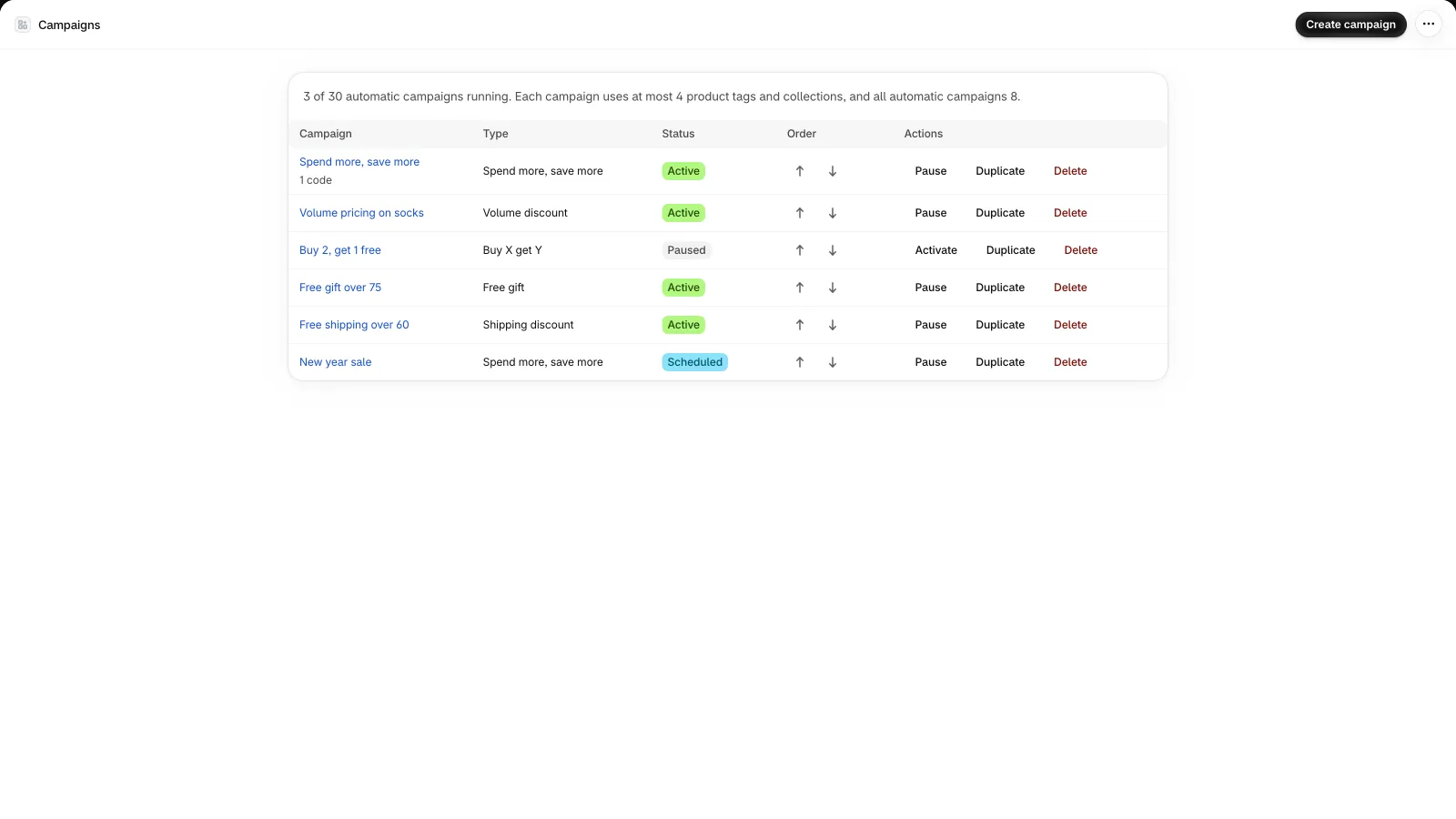
Campaigns lists every campaign with its type and status: Active, Paused, Scheduled, With code or Not applied (the reason is shown).
Tiers by cart value or quantity
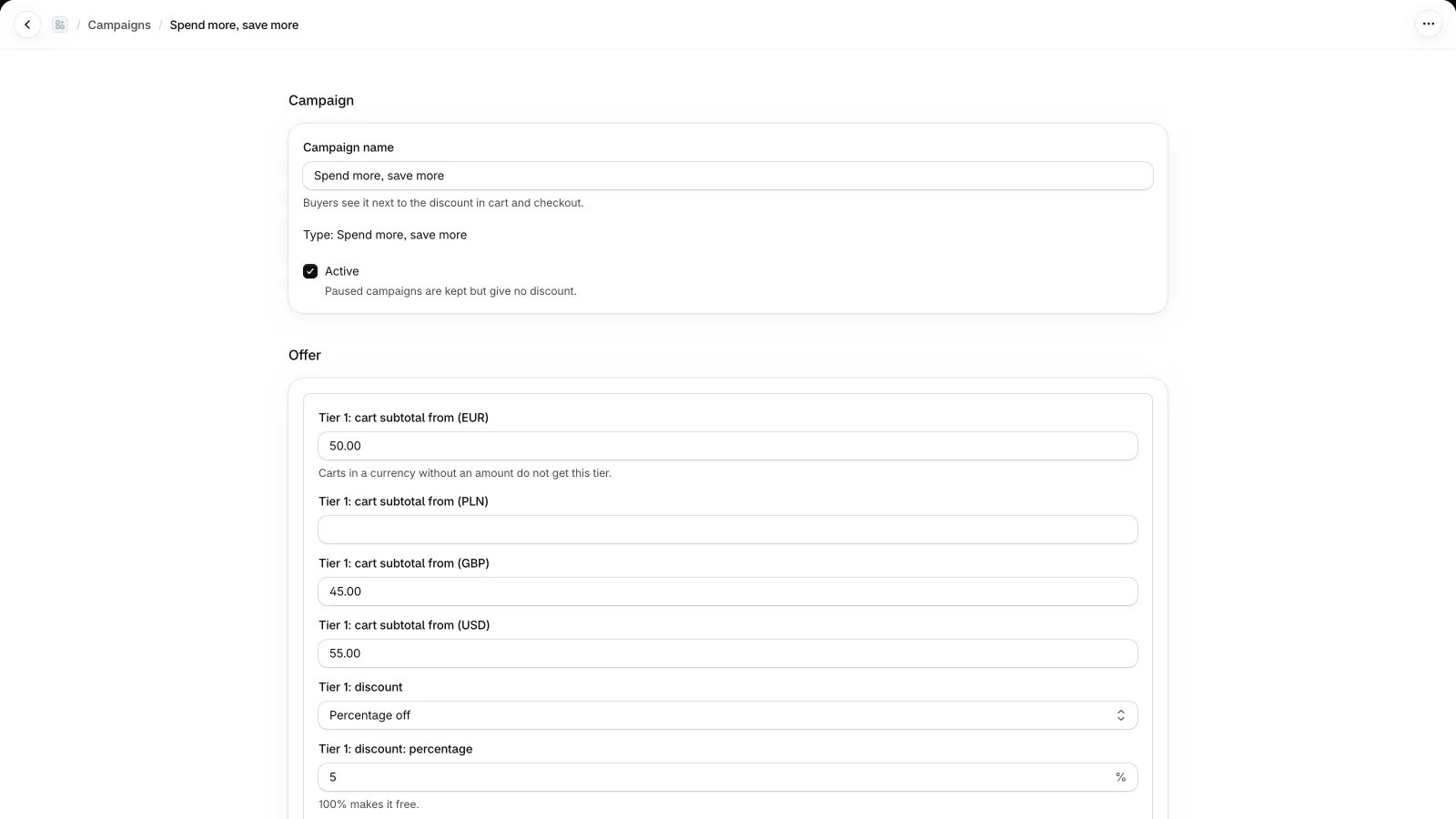
Each tier has a threshold and an offer: Percentage off, an amount off, or a Fixed price per item. Count items All qualifying items together (mix and match), Per product or Per variant. Limit the Qualifying items to products, collections or product tags; leave them empty to count every item.
Buy X get Y
Set Items to buy and Customer buys this many items, Items to get and Customer gets this many items, and the Discount on the items to get (100% makes them free). Times per order limits repeats; leave it empty to repeat as often as the cart allows. The most expensive items count as bought, the cheapest are discounted.
Free gift
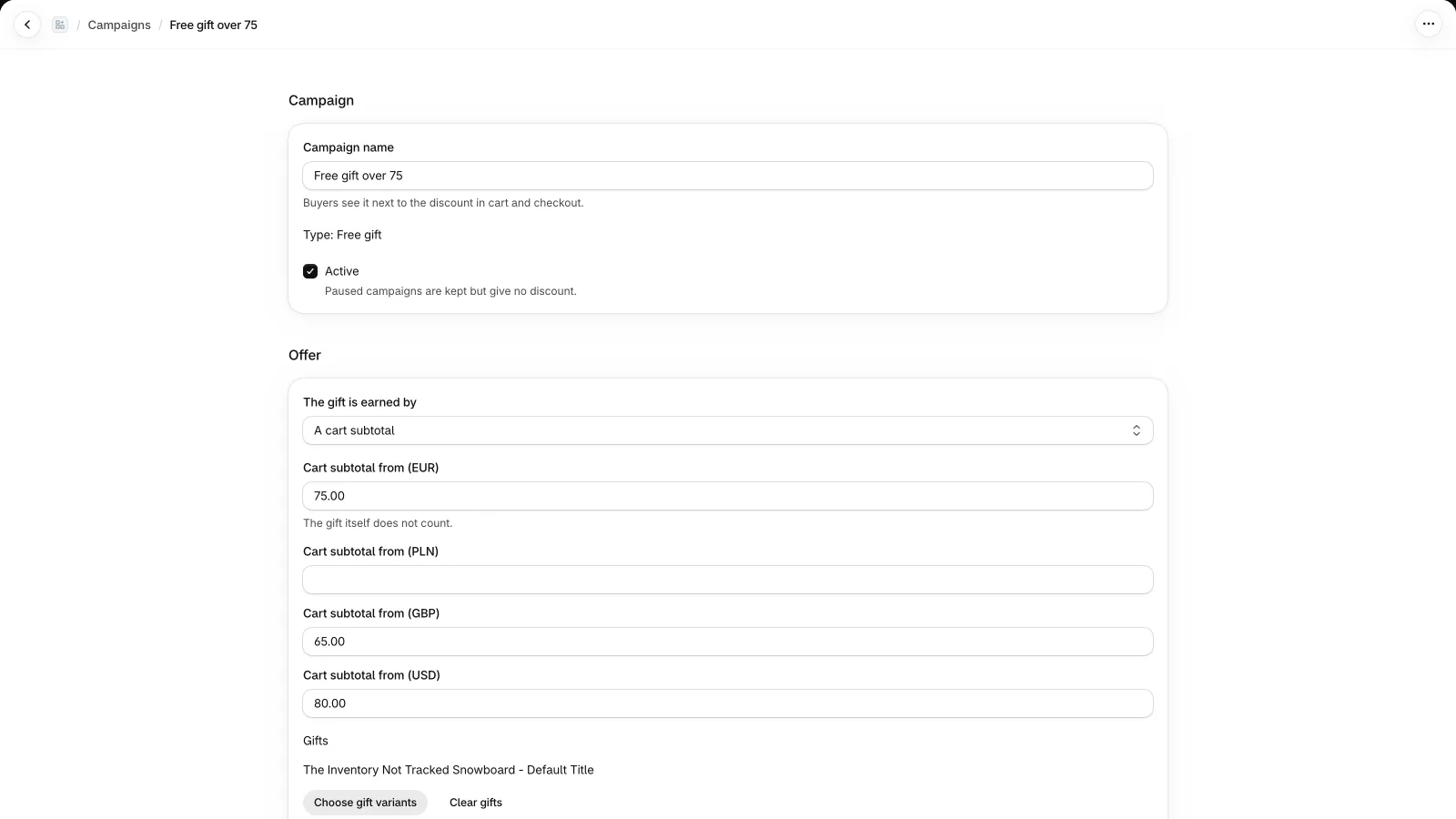
The gift is earned by A cart subtotal or A number of qualifying items. Choose Which gift: Added automatically (first in stock) or The buyer chooses. Set Gifts per order and the Gift price. The gift itself does not count towards the threshold. The cart widget adds the gift, keeps it to the quantity you set and removes it when the cart drops below the threshold; checkout gives the gift discount only when the threshold is met.
Shipping discount
From a Cart subtotal from, give free or cheaper shipping. Delivery types: Shipping, Local delivery, Store pickup, Pickup points; leave all unticked for every delivery option.
Exclusions and combining
- Leave out items already on sale (compare-at price), Leave out gift cards, Leave out subscription items, and a minimum item price (items cheaper than this are not reduced).
- Combine with other combinable campaigns on the same item: off by default, an item gets one product discount from the app (the campaign that runs first). On: amounts add up with other combinable campaigns, never below a price of zero.
Schedule and priority
- Starts (UTC) and Ends (UTC): leave empty to start now or run without end.
- Priority: lower numbers run first. You can also reorder campaigns on the Campaigns screen.
- Active: paused campaigns are kept but give no discount.
Storefront texts
The label buyers see next to the discount in cart and checkout, per language.
Built to keep prices right
- A price never goes below zero.
- A broken configuration gives no discount instead of breaking checkout.
- The app never changes your product prices.
Updated 2026-11-23